
Anthropic recently added a new feature to Claude: Artifacts, a “dedicated window to instantly see, iterate, and build on the work you create with Claude” and I immedeately felt that this will be a game-changer. It’s rough, but you can literally build a simple app by describing what you want on the left side, and Claude will write the code and run it on the right side. That’s it.
What are Artifacts?
An artifact can be a document, a visualization, or a simple app or game. If Claude generates code, it will run in the side panel automatically and can be published online with a single click.
Taking Artifacts for a Test Drive
Large Language Models are pretty good at implementing the kinds of things that developers do all day every day because there is plenty of representative data in its training set. To see how good Claude is at doing something a little different, I gave it an off-the-wall example to see how well it adapts. I decided to try Pong, with three paddles. I started out with a simple prompt:
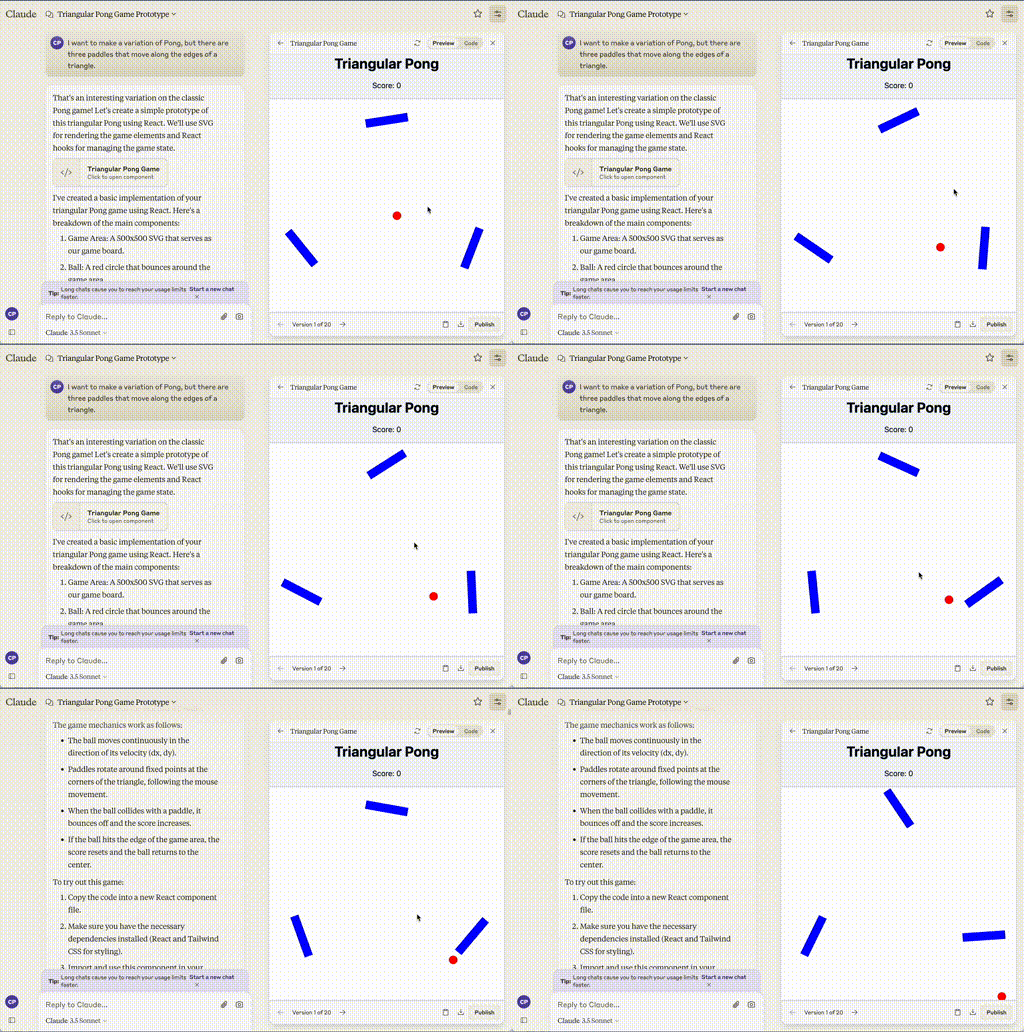
I want to make a variation of Pong, but there are three paddles that move along the edges of a triangle.
Claude’s first attempt was…something:
Iterating based on feedback
But that’s okay. I gave Claude some feedback to see if it would fix the problem:
Instead of the paddles rotating, can they move along the edges of the triangle?
Claude spent about 30 seconds updating the code and I ended up with a quirky but almost playable version:
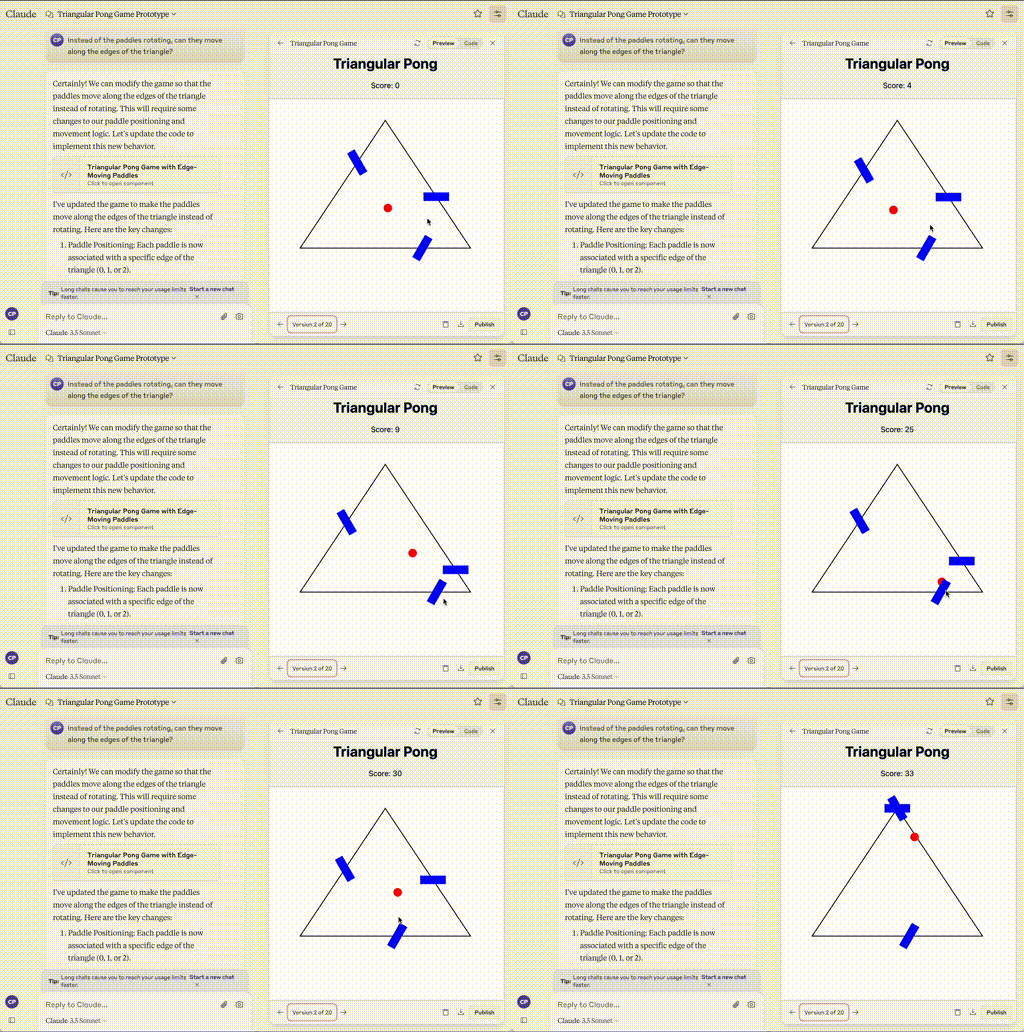
It’s kinda janky, but it’s getting closer. Honestly, I really love the way the paddles move along with the mouse. It is intuitive and makes it quite simple to control three paddles with one trackpad. The biggest issue is that the paddles are, strangely, facing the wrong direction. So I provided some more feedback:
Can we have the paddles face the same direction as the edges of the triangle?
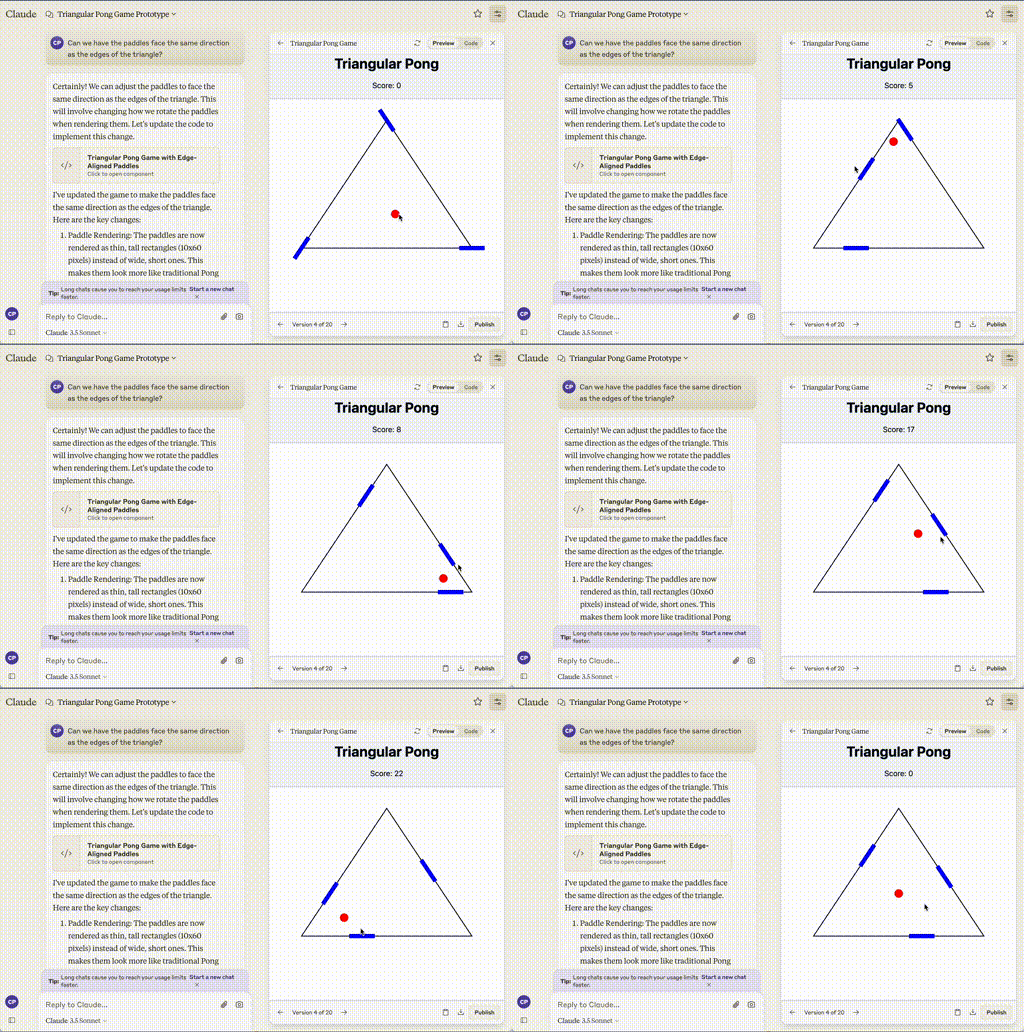
You’ll also notice it is explaining the changes it’s made in a lot of detail. There are still some issues, like the ball slowing down when the paddles move and the score incrementing by more than 1 when it hits a paddle. I also wanted to introduce a level system so the ball would speed up as you successfully hit it more often. Over a couple more rounds of feedback, I ended up with the version linked below:
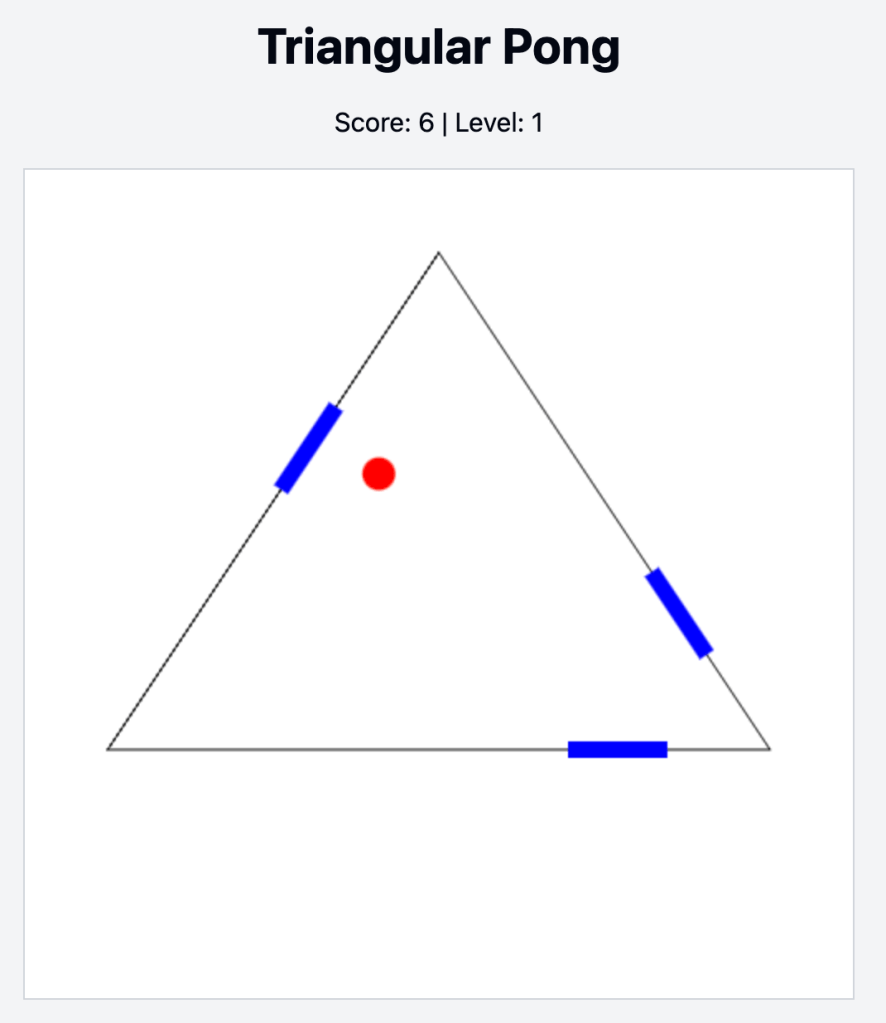
I did not write a single line of code. I described what I wanted, iterated back and forth, and it figured how to control the three paddles with one trackpad and all of the ball bouncing physics, which is made a lot more complicated by having two of the walls at an angle.
Where the context ends
Unfortunately, after I got to that point, after my 14th iteration, Claude kept on introducing bugs. I would get errors and when it fixed the errors it would create new bugs. It’s a known problem with LLMs that they start to act strangely and slow down as conversations get longer and longer. But I wanted to fix an issue where the paddles do not move on mobile devices, and I wanted to add a button to pause the game.
So, I decided to start with a clean slate, started a new conversation and pasted the data into it:
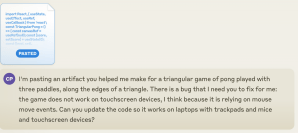
Boom! That worked the first time. I chatted back and forth for a few iterations to make some improvements:
- Added a pause button
- Increased the speed of the ball at the start of the game
- Increased the change of speed as the player levels up
I ended up with this “final” version:
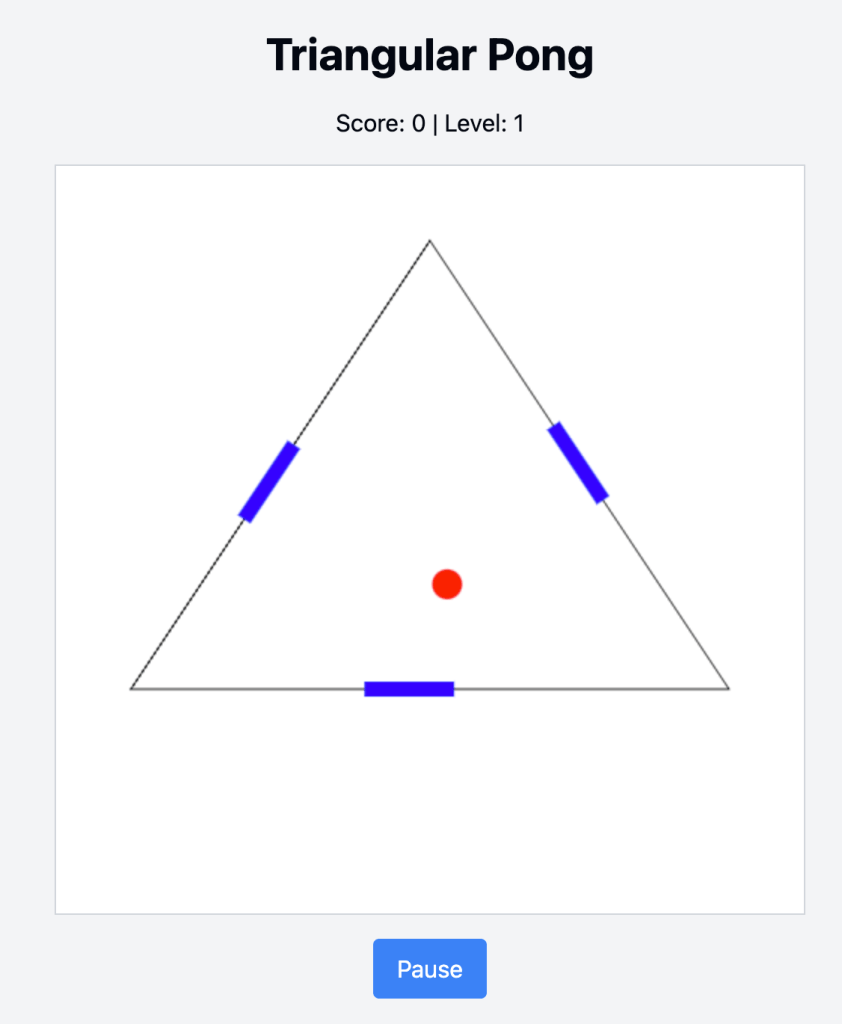
Click the image to play
Conclusion
Having AI generate code is far from new. We’ve had that for a few years with ChatGPT and Github Copilot. What is new and powerful is the ability to iterate effortlessly combined with the ability to publish your results. It is early days, so it is best suited for “single serve” applications, but this is the first time I’ve been able create a simple app just by typing what I want in plain English and publish it on the Internet.
Next time, I will probably ask Claude not to explain itself, just write code. The more content that LLMs generate, the more likely they are to introduce a mistake.
I can think of some interesting real-world uses for something like this:
- Interactive data visualizations – You can upload spreadsheets or pdf files and ask Claude to visualize data for you.
- Interactive wireframes – You can upload a drawing or screenshot of a user interface and ask Claude to create a live web-based version.
- Single-serve information applications – You can upload a document or some other information and create a simple site around it. Or upload your notes and have Claude create an interactive quiz.
It is going to be exciting to see where this product, and this style of interactive development goes from here. I can see a world where AI is a pair programmer and I am just giving feedback and direction.
 Theaboutbox Tech Blog
Leave a comment